
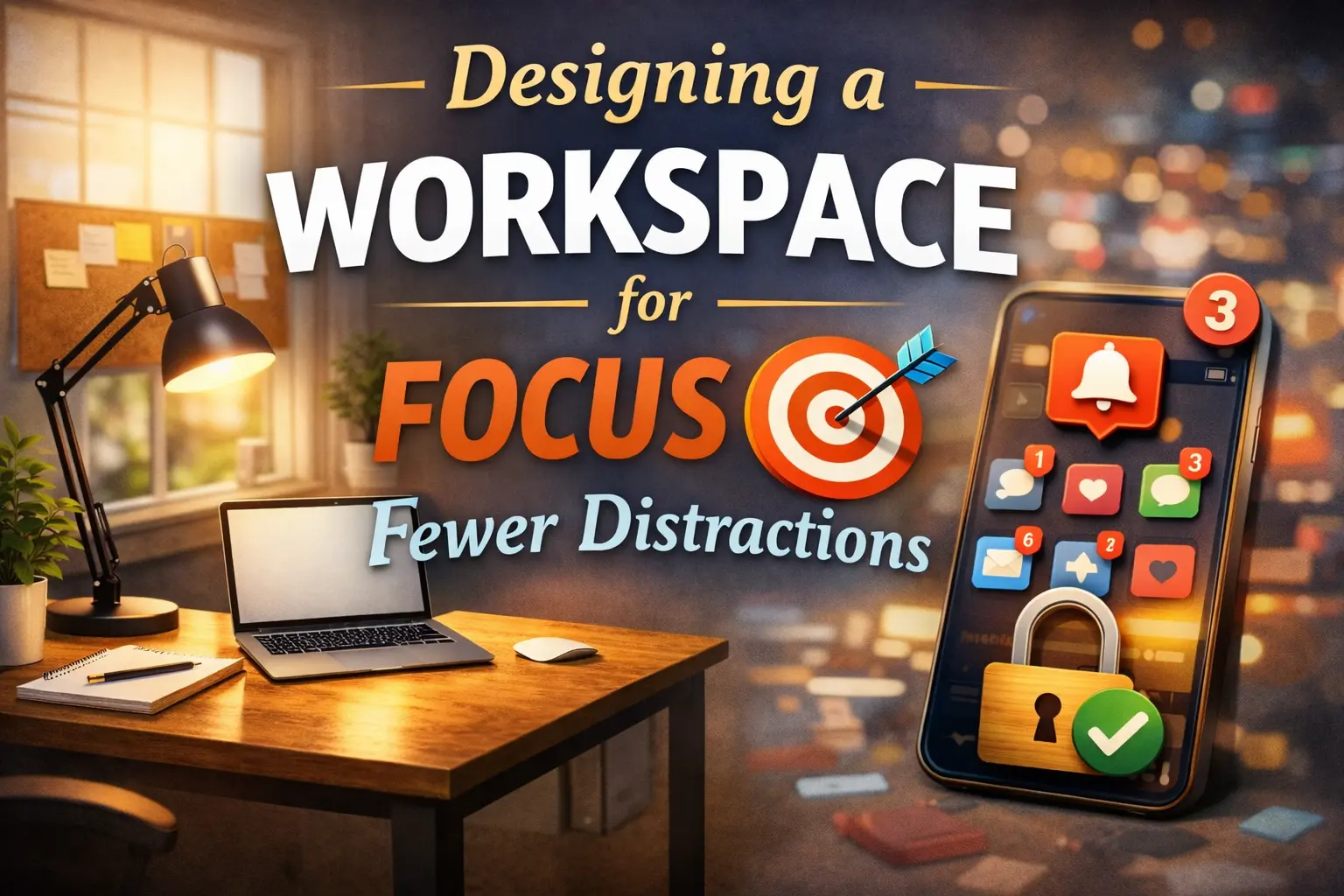
Staying focused at work has become increasingly more difficult, especially with distractions built into our environments. A poorly designed workspace can result in loss of concentration, mental fatigue, and overall productivity despite high motivation. Understanding how to design a workspace for focus starts with an understanding of how little environmental factors play a role in attention throughout the day.
From noise and lighting to layout and digital habits, all of this plays a part in how efficiently we work. By carefully tweaking your workplace, it becomes easier to stay in your work, reduce interruptions, and create an environment that helps you to focus for long periods rather than be constantly distracted.
Choose the Right Location
One of the things you can do to create an environment that promotes focus and minimizes distractions is to choose the right location for your workspace. Ideally, it should be a quiet area away from high-traffic areas like living rooms or busy hallways, where interruptions are frequent.
If it’s not possible to use a separate room, consider using a corner or part of a room that could be designated visually and mentally as your work zone. Natural light and good ventilation can help improve alertness and comfort.
Positioning your desk so that you are facing away from distractions, such as doors or windows with a lot of activity, can also help to improve concentration. A well-planned location can provide the basis for a workspace where productivity and focus are easier to attain consistently.
Keep Your Desk Organized
Keeping your desk organized is key to being able to stay focused and clear your mind. A clean working environment means you can find tools and documents quickly, and interruptions that can cause you to lose your concentration are minimized.
Start by stripping out the surplus and keeping only the necessary things within reach, like your computer, notebook, writing tools, and so on. Use organizers, trays, or drawers for storing supplies in an orderly way, and make it a habit to clear your desk at the end of each day. Cable management can also avoid visual distractions and give the surface a neater appearance.
An organized desk not only helps to increase efficiency but also creates a calming environment that promotes mental clarity. By keeping things in order, you can be better focused on what you need to do, and you will feel less stressed out from the clutter.
How to Design a Workspace for Focus with Ergonomics
Designing a workspace with ergonomics in mind is key to staying focused and avoiding physical strain. Start by finding a chair that offers appropriate support for the lumbar area and that supports your feet on the ground.
Your desk should be at a height that allows your arms to be kept at a comfortable 90-degree angle while typing, and your computer screen should be positioned at eye level to reduce neck and shoulder tension. Adjustable equipment, such as keyboard trays or monitor stands, may further increase comfort.
Proper ergonomics not only prevents fatigue and discomfort but also enhances concentration because you can work for longer periods of time without distractions related to aches or posture-related discomfort. A properly designed ergonomic workspace not only promotes physical health, but also a focused mind.
Reduce Digital Distractions
Reducing digital distractions is very important in today’s work environment, which is technology-driven. Notifications coming from emails, messaging apps, and social media can easily interrupt your workflow, breaking your concentration and increasing stress.
To begin with, you must turn off non-essential notifications or use “Do Not Disturb” modes during periods of focused work. Close down unnecessary browser tabs, and limit apps running in the background to minimize temptation. Consider using productivity tools to block distracting websites or track your screen time.
Setting aside certain times to check messages can help to control the digital interruptions. By setting boundaries around technology and using it purposefully, you can help to protect your focus, increase efficiency, and create a more productive and distraction-free workspace.
Personalize Without Overloading
Personalizing your workspace can make it more inviting and encourage productivity, but it’s important not to go overboard. By adding even a few items with meaning, such as having a small plant, family photograph, or piece of art, a feeling of comfort and inspiration can be generated.
Pick elements that will elevate your mood without filling up your desk or walls too much, as too many decorations can be visual distractions. Use colors and textures that are soothing and that speak to your working style, without overly bright or busy patterns that will distract from work.
The idea is to have a space that is a reflection of your personality, but is also functional and focused. Thoughtful personalization is a balancing act that incorporates both motivation and clarity to maintain concentration throughout the day.
Control Lighting and Ambience
Controlling the lighting and ambience is necessary to provide a work area that is conducive to focus and productivity. Natural light is the best and makes us alert and feel better, but light should be balanced so that there is no glare on screens.
Where natural light is limited, adjustable artificial lighting might provide a constant light source without putting a strain on the eyes. Consider the color temperature of your lights – cooler tones create a more concentrated atmosphere, while warmer tones create a relaxing atmosphere for low-intensity tasks.
Ambient factors such as background noise, temperature, and air quality also have an impact on focus. Using noise-canceling headphones or soft background music, or plants to improve the quality of air can help. By paying attention to lighting and ambience, you will provide an environment that encourages prolonged attention and reduces fatigue.
Implement Zones for Tasks
Implementing zones for tasks can be a great way to better focus and increase productivity, since it can help to create a structured space for different activities to happen. Designate certain areas to work deeply, certain areas to work administratively, and some areas to take short breaks, even in the same room, to mentally strip oneself of responsibilities.
For example, your desk can be your primary zone for concentrated work, and a side table or comfortable chair is your space for reading, brainstorming, or taking phone calls. Clearly defined zones give your brain the ability to move more efficiently from one task to another and will reduce the likelihood of distraction.
Visual clues, like rugs or shelving, or simple changes to the layout, can be used to enforce these boundaries. By creating a work area for your workspace that’s organized into functional areas, you’re able to create an environment that promotes task-specific focus, as well as a more fluid work process that’s more productive.
Conclusion
Designing a workspace that fosters focus isn’t about perfection as much as it is about design choices. When distractions are minimized and comfort is maximized, it is easier to stay focused and work with greater clarity. Small changes, like tidying your desk, adjusting the lighting, or setting boundaries with digital devices, can make a noticeable difference over time. Understanding how to design a workspace for focus helps you create an environment that works with your habits rather than against them. With an attention and balance-supporting setup, remaining productive becomes a more natural and sustainable aspect of your daily routine.
FAQs
How can I choose the best location for my workspace?
Look for a quiet place with little foot traffic and interruptions. Natural light and good ventilation increase focus. If you have a limited amount of space, set aside a corner or specific space as your work area to create a mental separation between work and rest.
What’s the easiest way to keep my desk organized?
Remove other items that are not necessary and only keep essentials within reach. Use trays, drawers, or organizers to put supplies, and use clearing your desk at the end of each day as a habit. A tidy desk helps reduce stress and allows one to keep his/her mind clear.
How does ergonomics improve focus?
Proper ergonomics eliminates discomfort and fatigue to allow for longer periods of concentration. Adjust your chair, desk, and screen to keep your posture good, keep your arms and wrists comfortable, and reduce neck or back strain that can distract from work.
How do I limit digital distractions effectively?
At the end of the day, turn off non-essential notifications, close unnecessary tabs, and make sure to schedule specific times to check emails or messages. Productivity tools or website blockers can be used to keep you focused and curb the continuous pull of digital interruptions.
What kind of lighting is best for a focused workspace?
Natural light is ideal, adjustable artificial lighting works well, too. Cool-toned lights promote alertness, and warm tones are used for relaxed tasks. Glare and uneven illumination should be avoided to prevent eyestrain.